due friday
pricing
the middle one
written by hand

add photos and links to your pen and paper notes.
Save a photo or link, write its code in your notebook. No special device, just your phone.
at the code.
is right there.
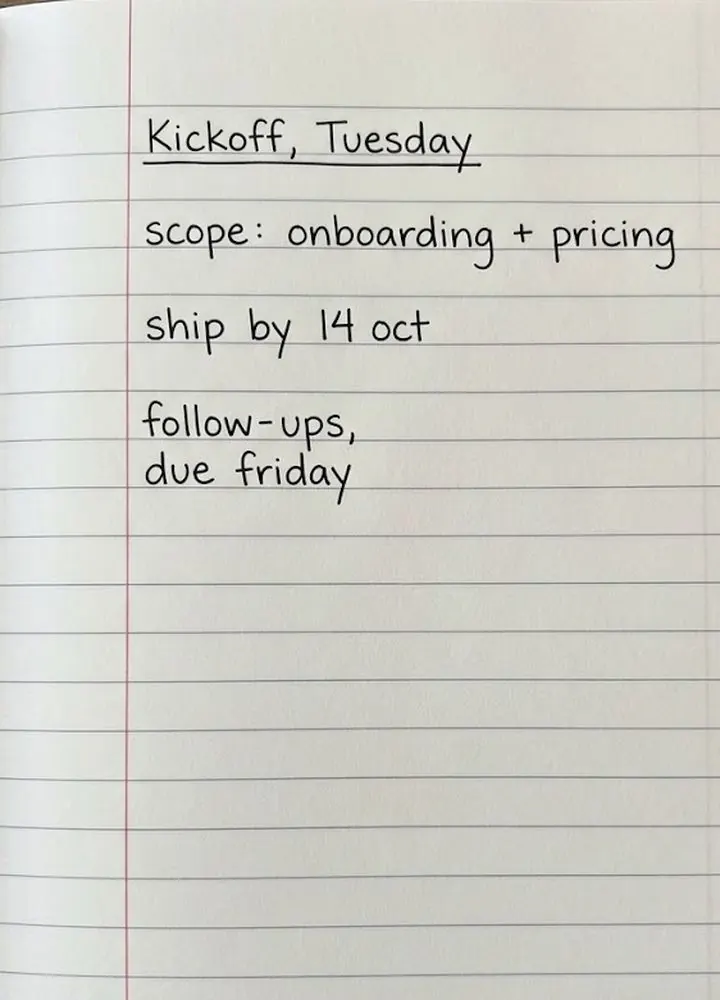
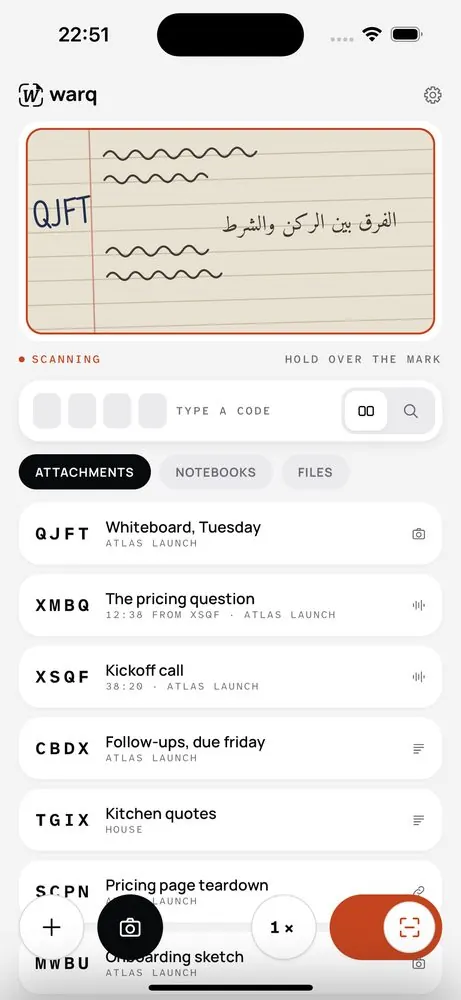

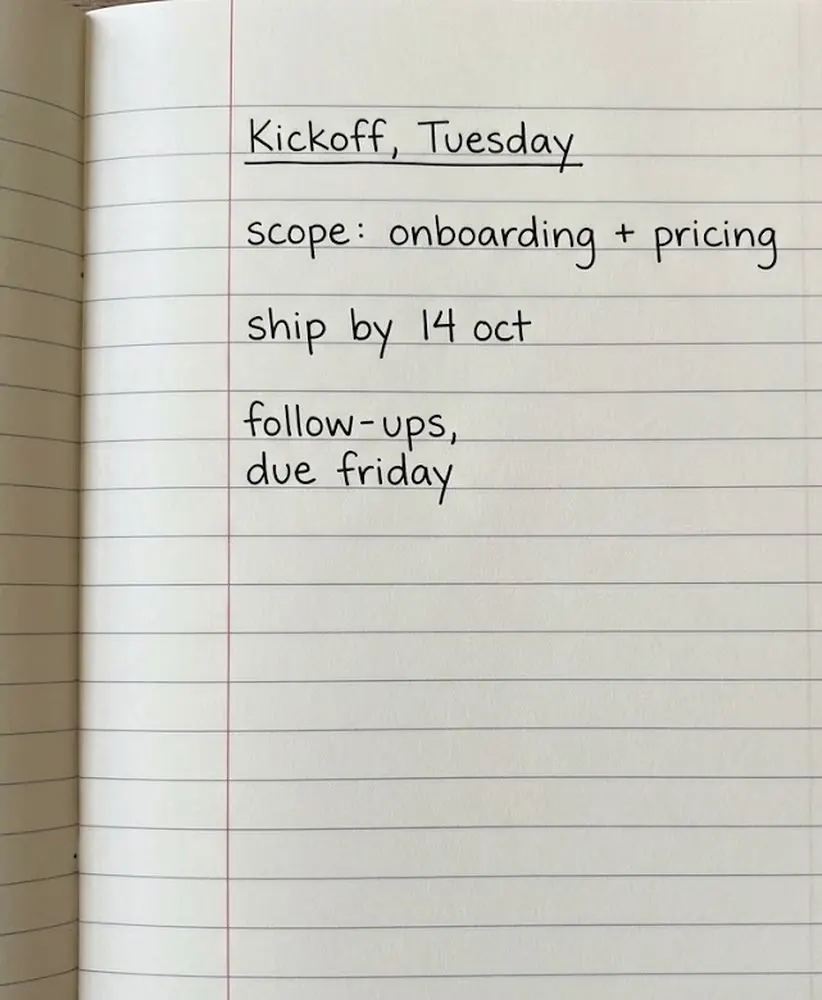
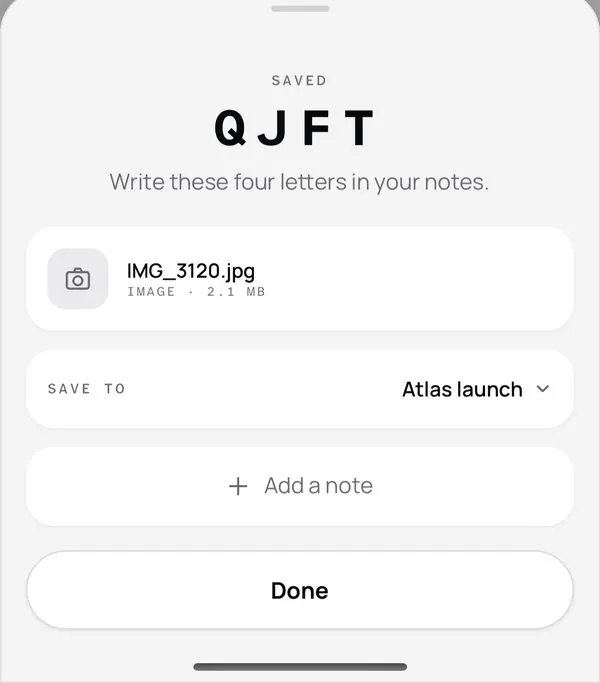 QJFT
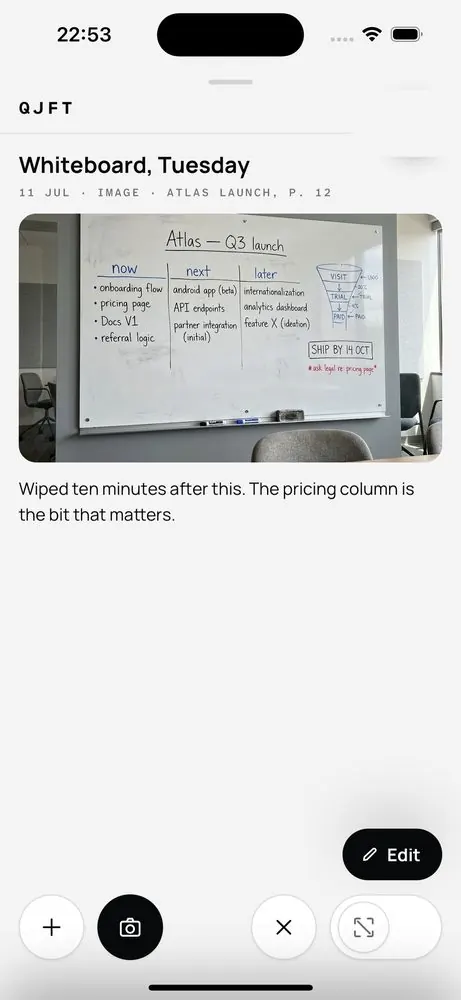
with others.
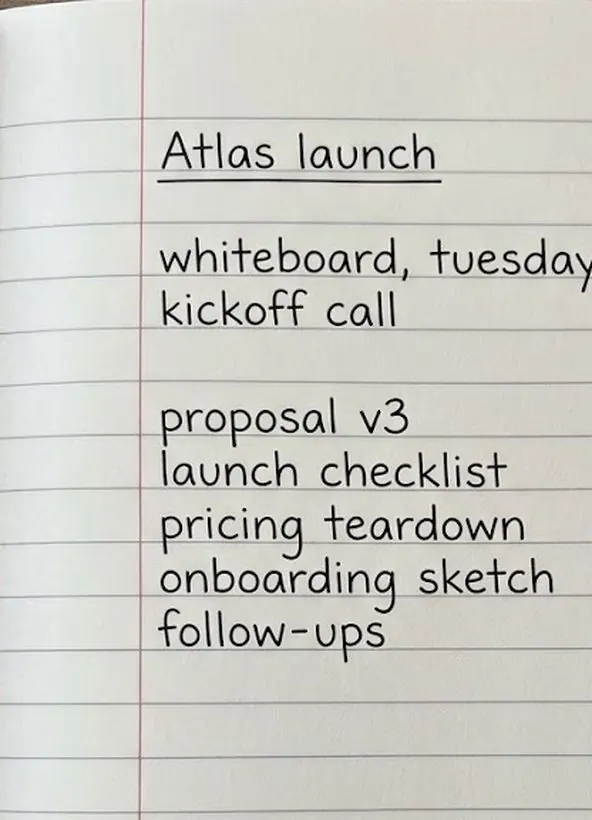
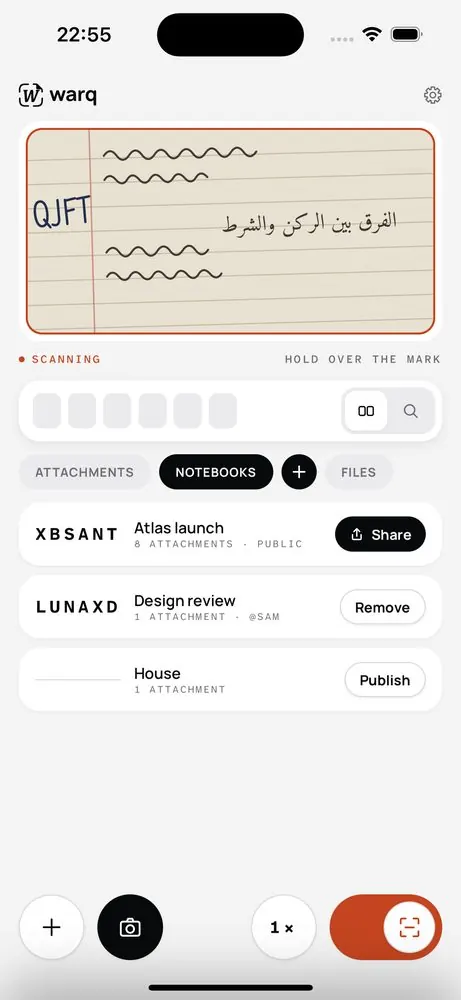
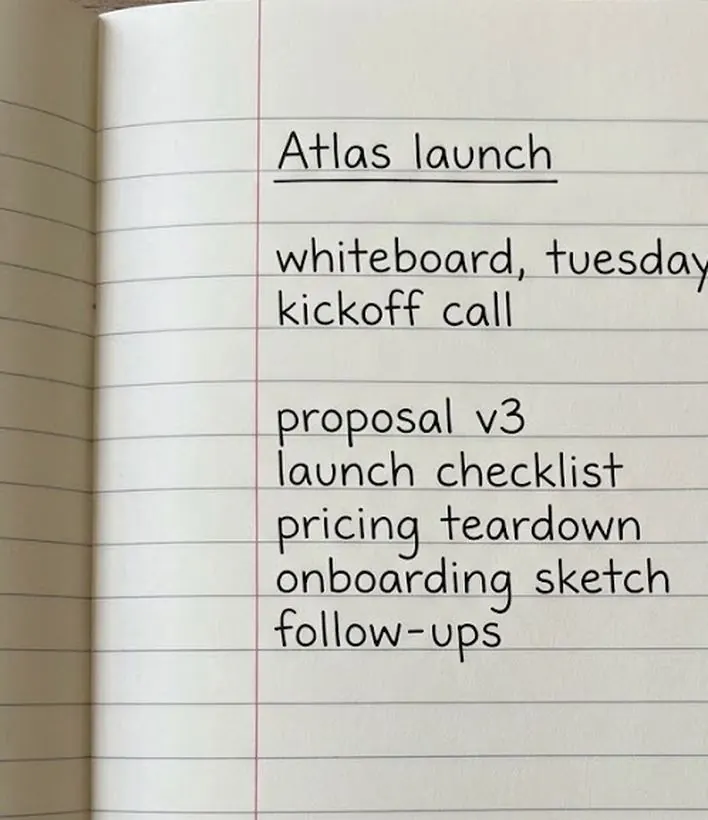
looking for is finally here.
warq is on iPhone, Android and the web. it's free to use, and a plan only adds more cloud storage.
what's shipped,
and what's next.
warq is on iPhone, Android and the web now. here's what we're building next, and what we've finished.
Shipped
The waiting list opens
The first people sign up at warq.app.
Warq for iPhone
Photos, recordings, files and links, each with a four-letter code.
The web app
Use Warq in the browser on your computer: type a code, save a file, read your notebooks.
Warq for Android
Photos, recordings, files and links on Android phones, with the same share sheet and code reading.
Next
Organisations
Share notebooks, photos and links with a group, and top up everyone's storage.
Later
Mac and Windows apps
Drag a file in, and get its code.
with any notebook?
is no signal?
Any notebook, any pen. There is nothing to buy and nothing to stick in — a code is four letters you write next to your note yourself.
Everything works offline. Codes are made on your phone, not fetched from a server, and what you capture is saved on the device and syncs later, when there is signal.
No — and not merely "unlikely". Each device is given its own block of the code space to draw from, so two of your notes cannot collide even if they were made on different devices with no connection.
Only if you decide to share it. A notebook is private until you publish it, which mints a separate code you can hand out — and taking it back stops that code working.
Warq is free with 250 MB of cloud storage, and every feature is in every plan, recording included. Plus adds 5 GB and Max 30 GB. For a limited time the yearly plans are half price, Pro $19.99 and Max $49.99 a year, and you keep that price for as long as you stay subscribed. Everything is on warq.app/pricing.
I tried to switch to digital notes.
Everyone around me was doing it, so I did too. New app, everything moved across, a proper go at it. It just was not the same. A few weeks in I was back to the notebook, and I have stopped pretending otherwise.
My notebook never had that problem. It is always open on the right page, it never asks me what format I want, and writing by hand is the only way anything sticks. I remember what I wrote, and I remember roughly where on the page I wrote it.
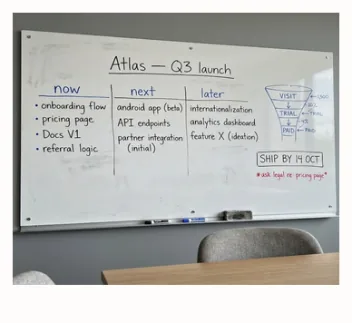
But paper cannot hold everything. The photo of the whiteboard before it got wiped. The recording of the call. The file someone sent afterwards. All of it lives on my phone, nowhere near the page it belongs to.
So I went looking for something that would let me keep both, and everything I found wanted the notebook gone. A special pen. A tablet pretending to be paper. An app that photographs whole pages and turns my handwriting into text I never asked for.
I could not find it, so I built it.
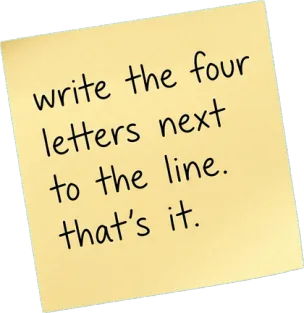
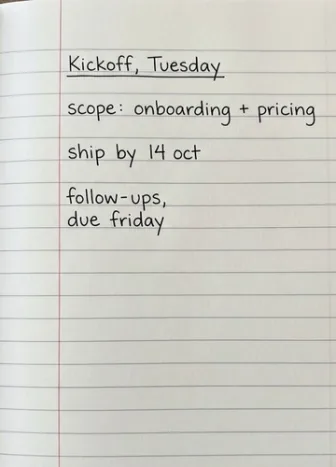
Warq gives every photo and link four letters. You write them once, next to the line they belong to — that is the whole of what you have to do. When you want it back you point your phone at the letters and it opens.
No special notebook. No special pen. The one already in your hand is fine.